Turn cluttered saves intocreative action
Creative inspiration is often saved impulsively and forgotten quickly, turning meaningful content into digital clutter.
We spend so much time scrolling for inspiration, but rarely return to what we saved.
Jump to final design→How might we help people organize their saved content into actionable sources of creativity?
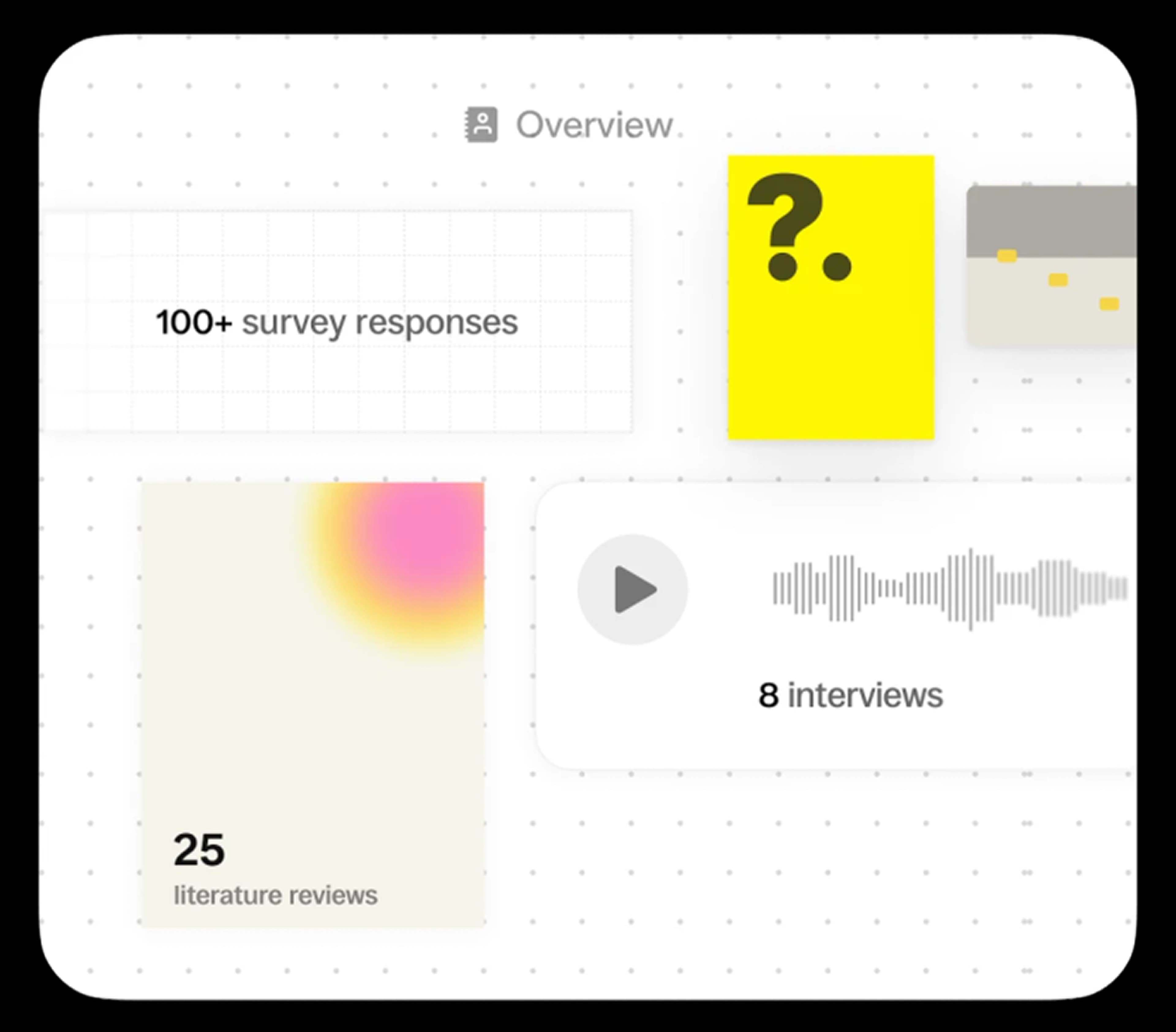
We surveyed, interviewed over 100 creatives.
Context beats chronology, and people are filers in intention but pilers in practice. Psychology sources show that inspiration without a "transmit or actualize" step just fades. Saving ≠ doing.
What we found.
Saves become a graveyard
People save content with intention but rarely return to it. Context is stripped at save-time, making retrieval feel like archaeology.
Inspiration requires action to stick
Psychology sources show that inspiration without a "transmit or actualize" step just fades. Saving ≠ doing.
How people re-find things matters cognitively
Context beats chronology, and people are filers in intention but pilers in practice.
Existing solutions made users choose between exploration and action.
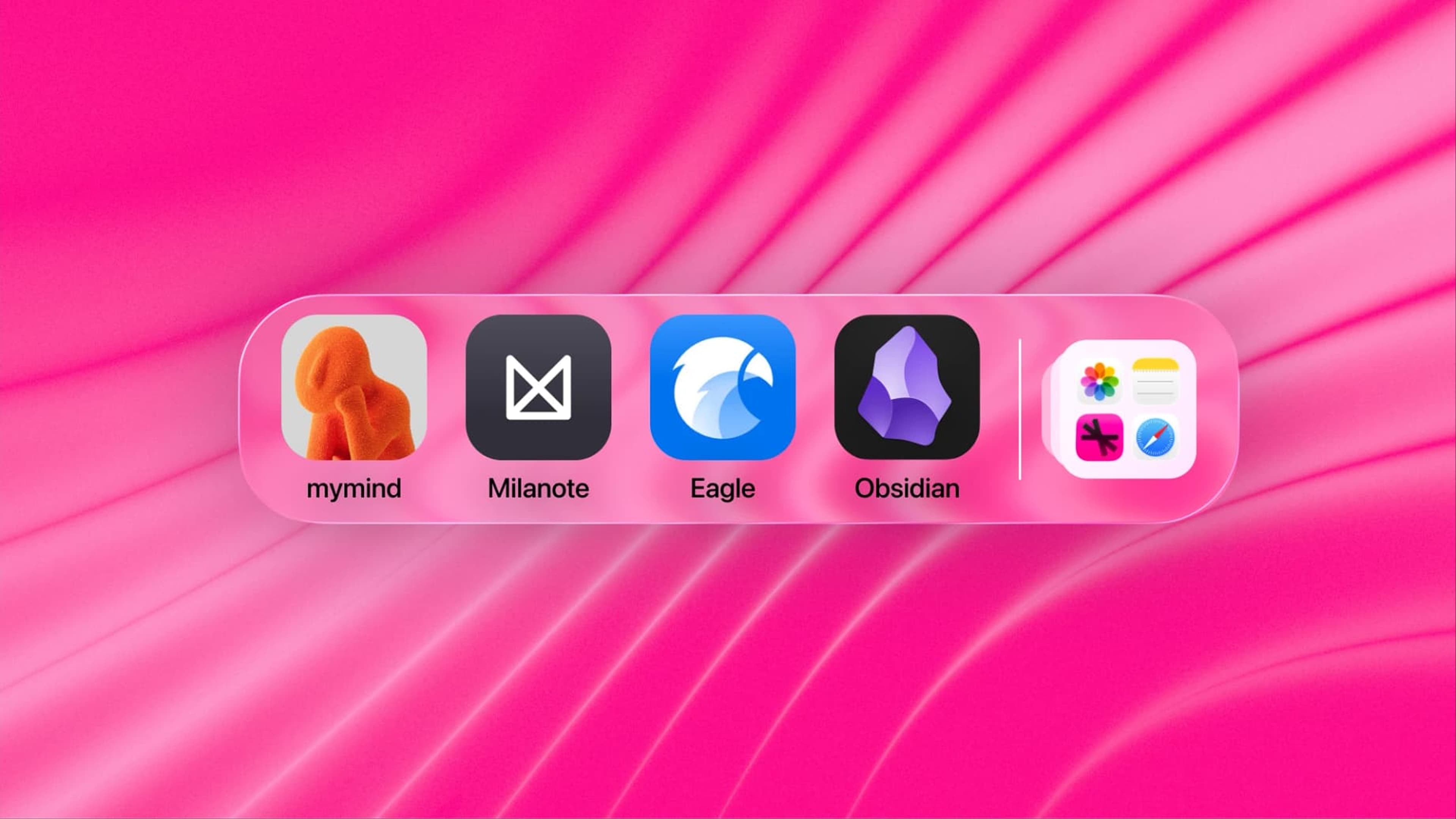
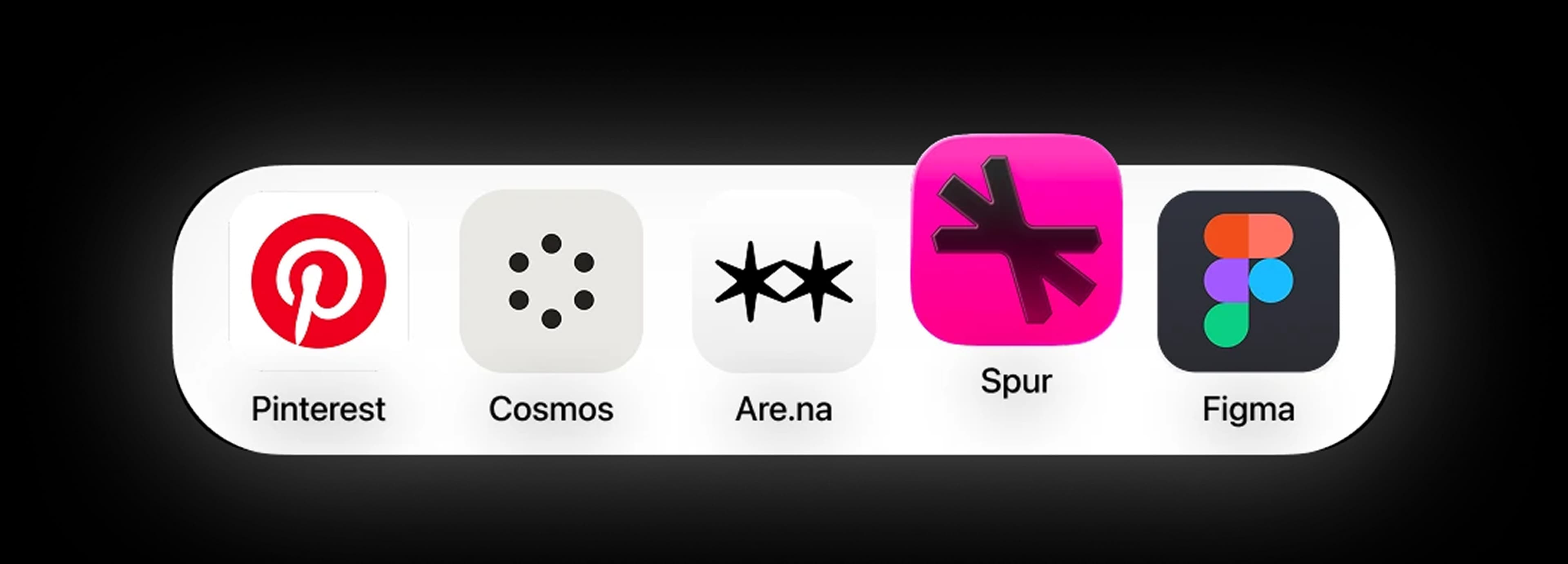
We conducted competitive analyses on four different solutions: mymind, Milanote, Eagle, and Obsidian.
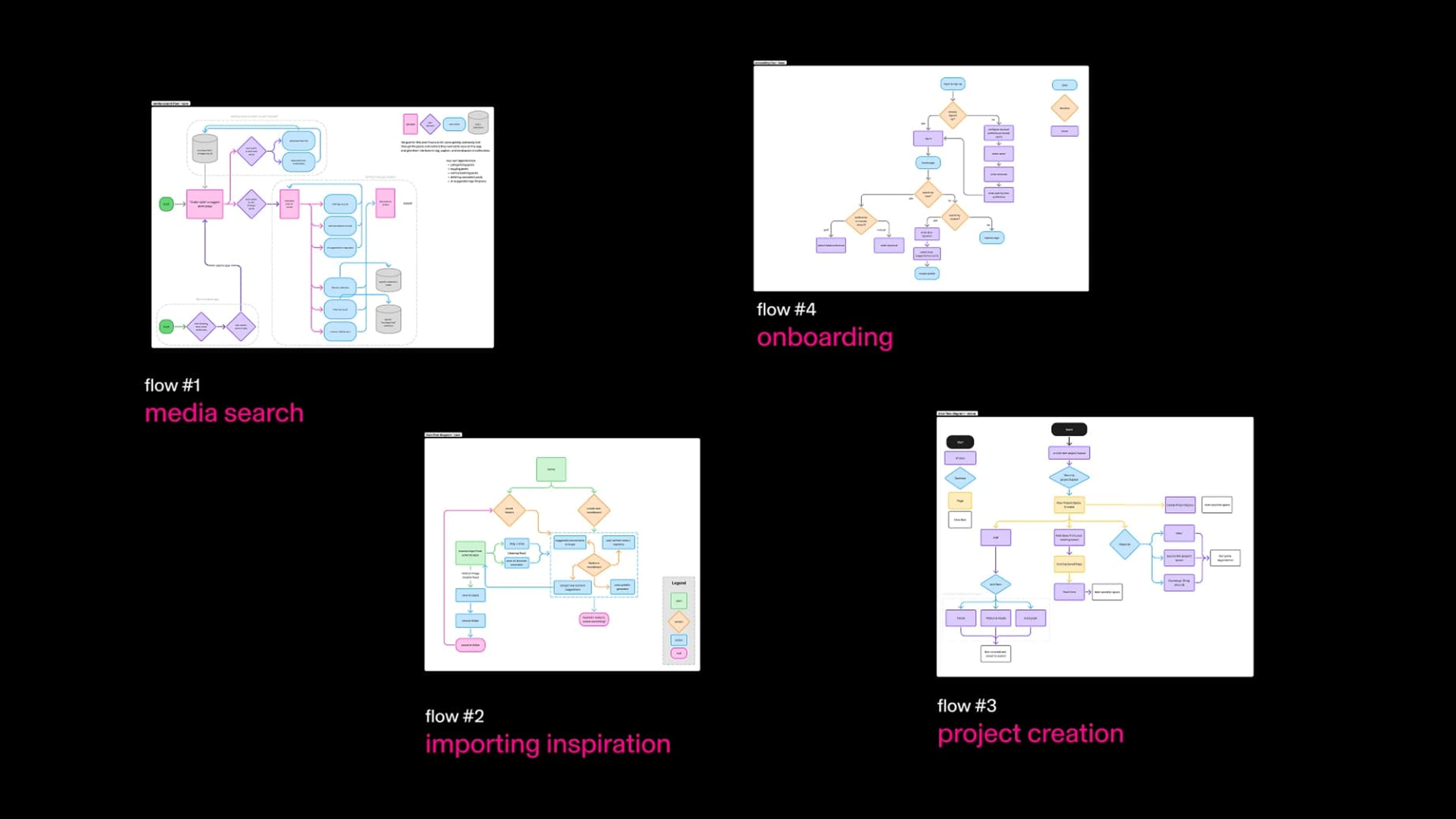
We drafted initial user flows.
We sketched flows for saving, searching, and organizing inspiration—mapping how someone could move from a single save to a finished idea.
We vibe coded a mid-fidelity prototype to better understand how users would upload content and create spaces.
We discovered that users would find more value creating insights and actions in the workspace rather than purely in the inspiration feed.
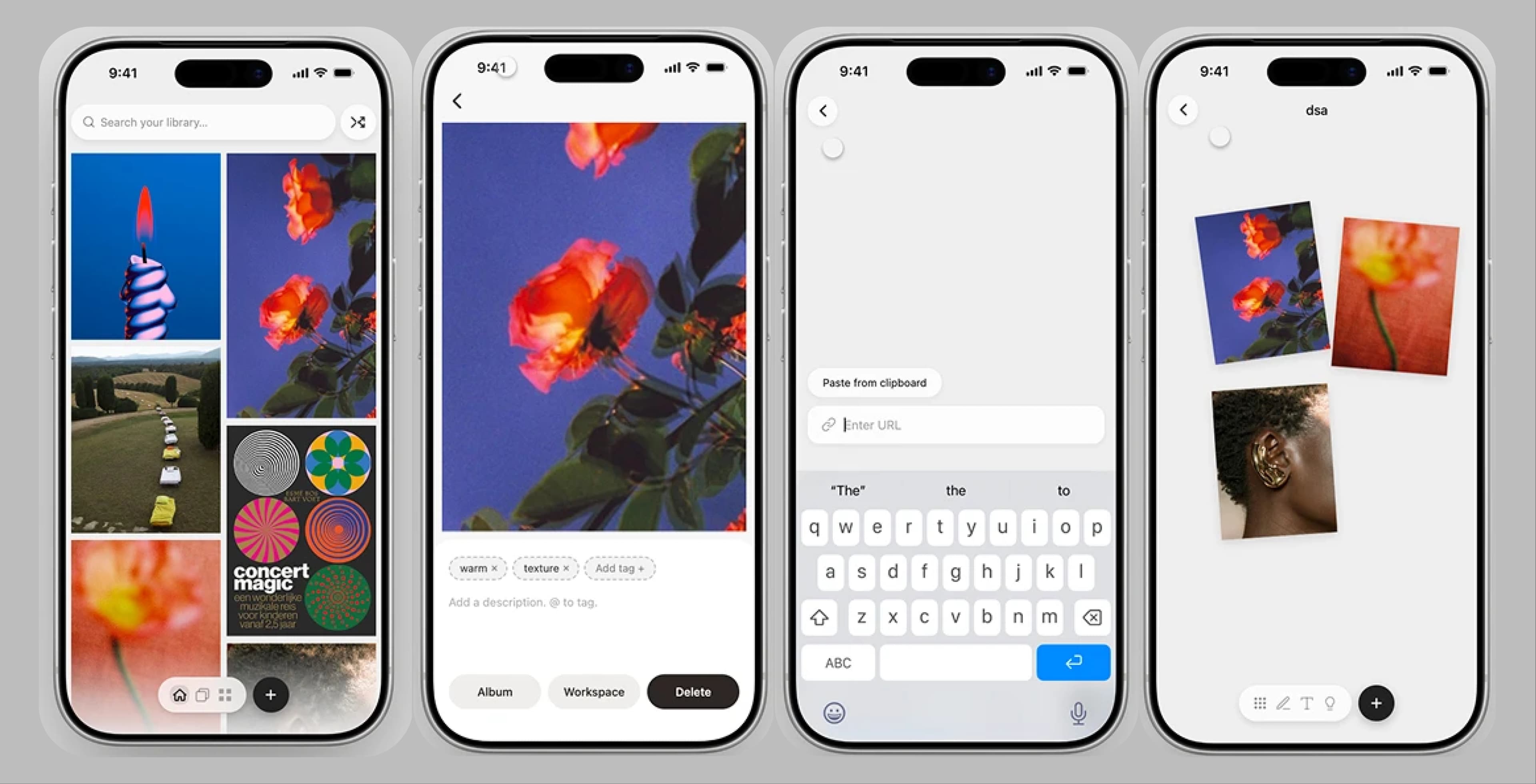
Our current direction prioritized curation over action. How can we tailor Spur to exist closer in the space between image discovery and creation?
Spur, in full.
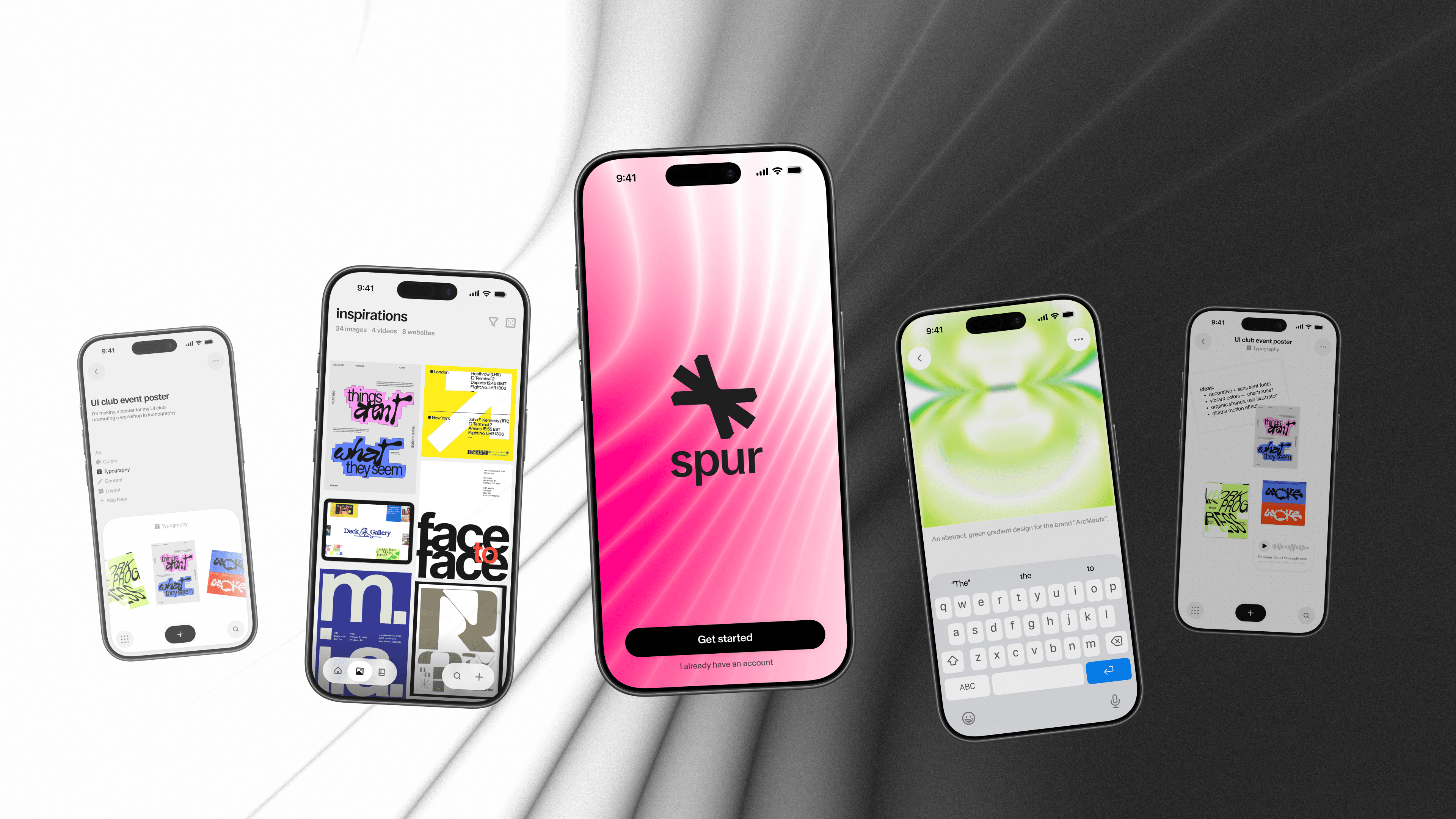
Spur brings saving, searching, and creating into one workspace, so inspiration turns into action instead of disappearing into a folder.

Search Intentionally
Search intentionally reminds you what to look for, and encourages quick deep dives than long rabbit holes. All uploads will go directly to your active workspace.
Inspiration Feed
Spur keeps a library of all your saved inspirations. Use search tools to find the inspirations you need, and resurface the ones you missed.
Insights
Images will automatically upload with a brief description. Add your own descriptions to provide further context. Insights help you dive deeper into why you saved the image.
Albums
Organize your saved content into albums to make it easier to revisit inspiration and take creative action.
Creating Workspaces
Workspaces provide sub-boards tailored to your initial intentions.
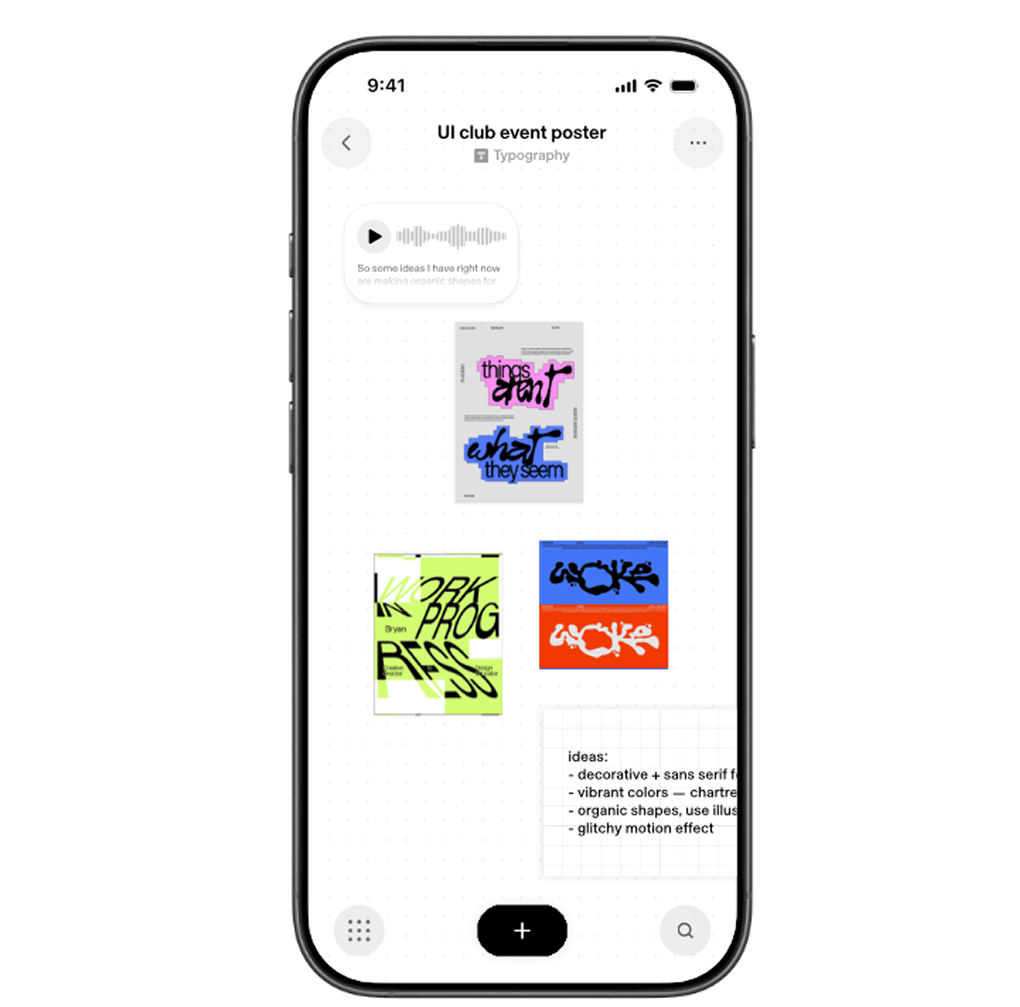
Workspace - Notes
Take notes on-the-go using voice memos or the note tool to capture your immediate thoughts on your saved content and refer back to them later.
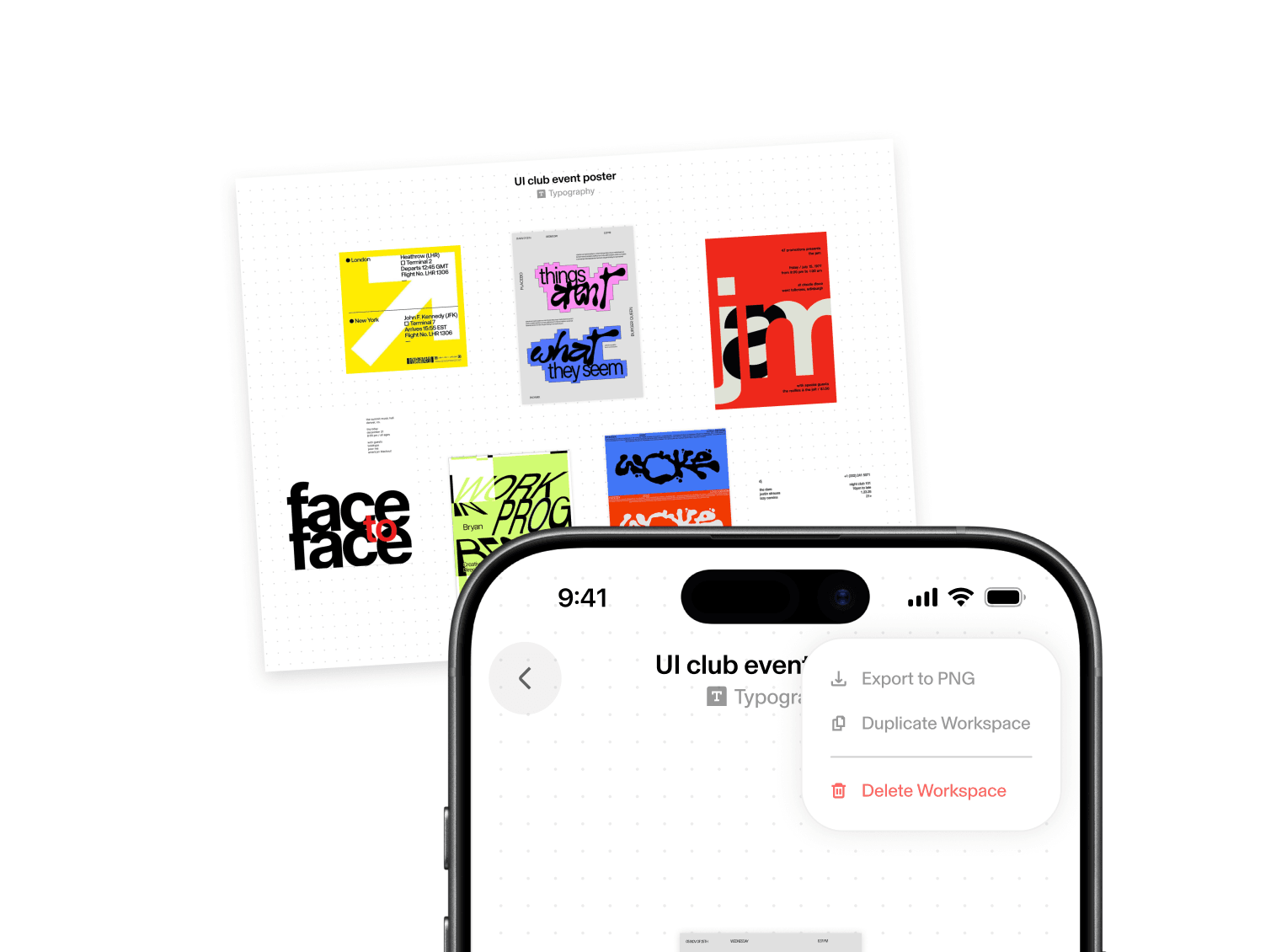
Exporting
Export your workspace as a PNG.
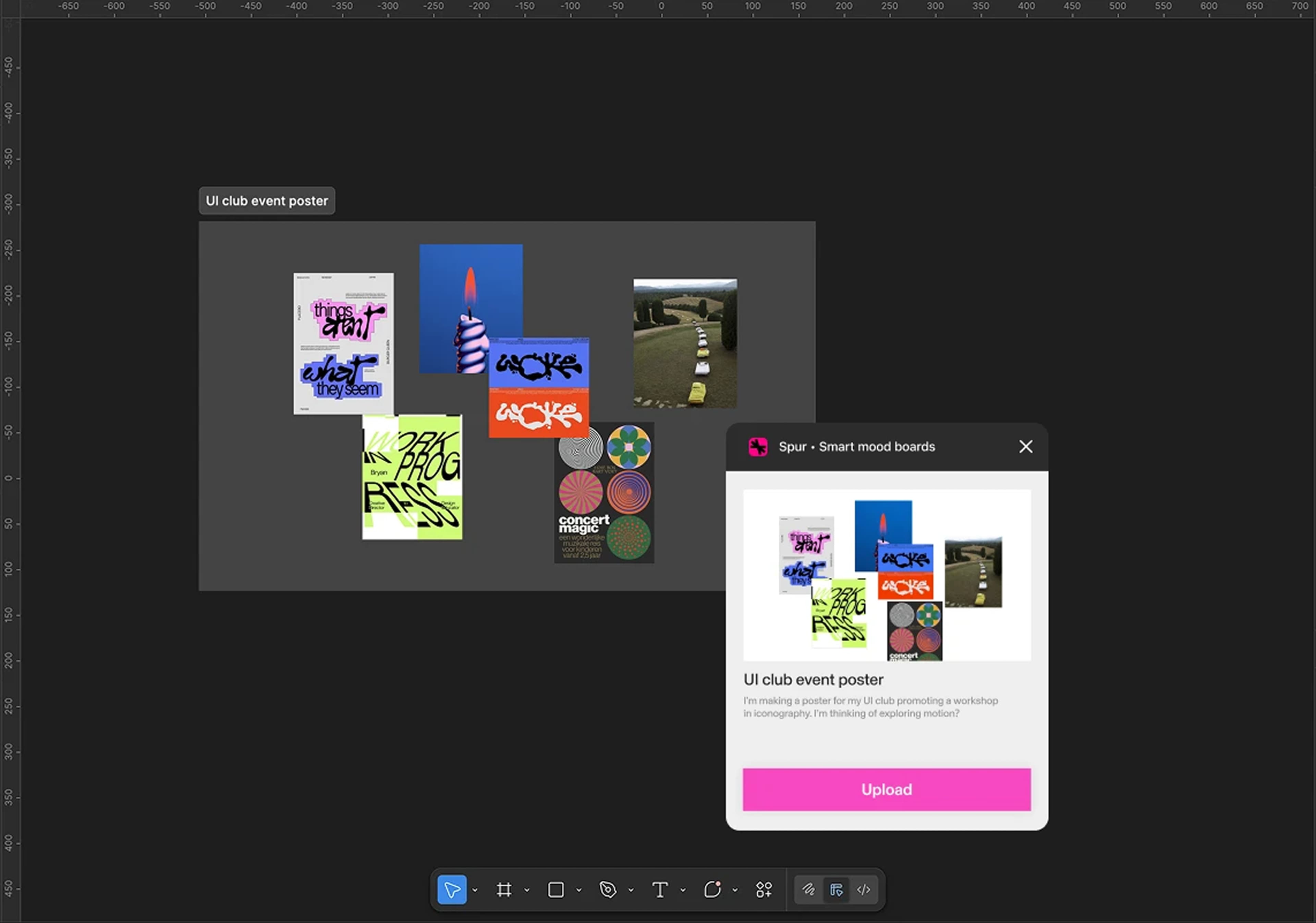
Figma Integration
Spur's Figma plugin lets you easily import your workspaces as separate images.
What we learned, what we'd do differently: